

Lore Link wants YOU to control your data and has made it possible for you to export all of the information you put into Lore Link.
Downloads are currently for a single campaign. Open an Campaign, enter Edit mode, and then scroll to the bottom and click the Download button.
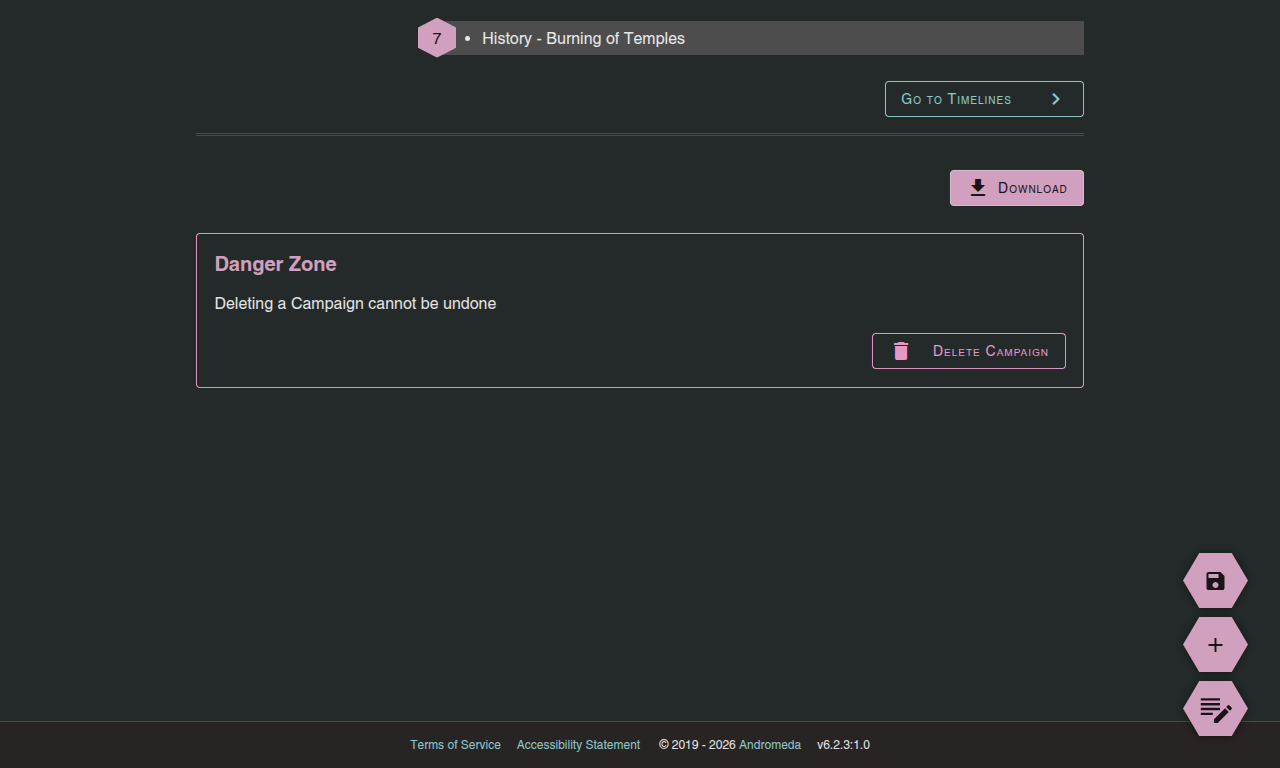
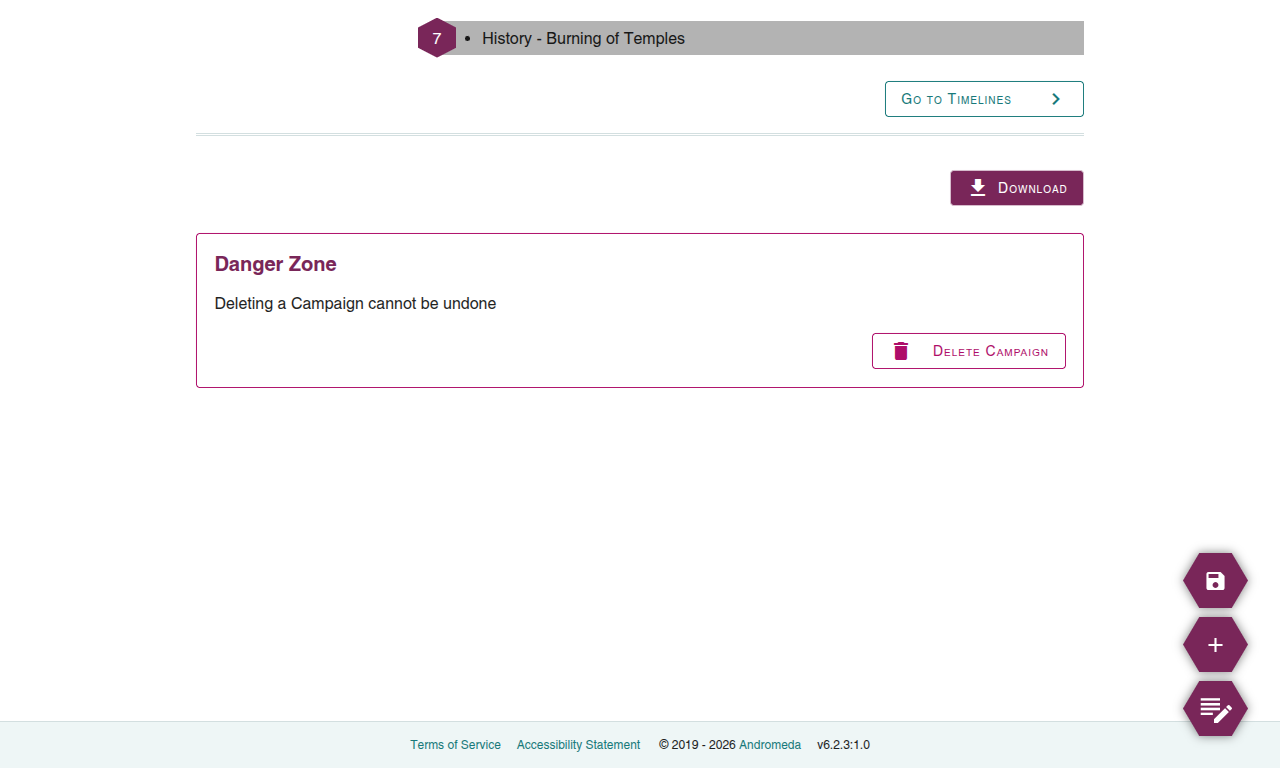
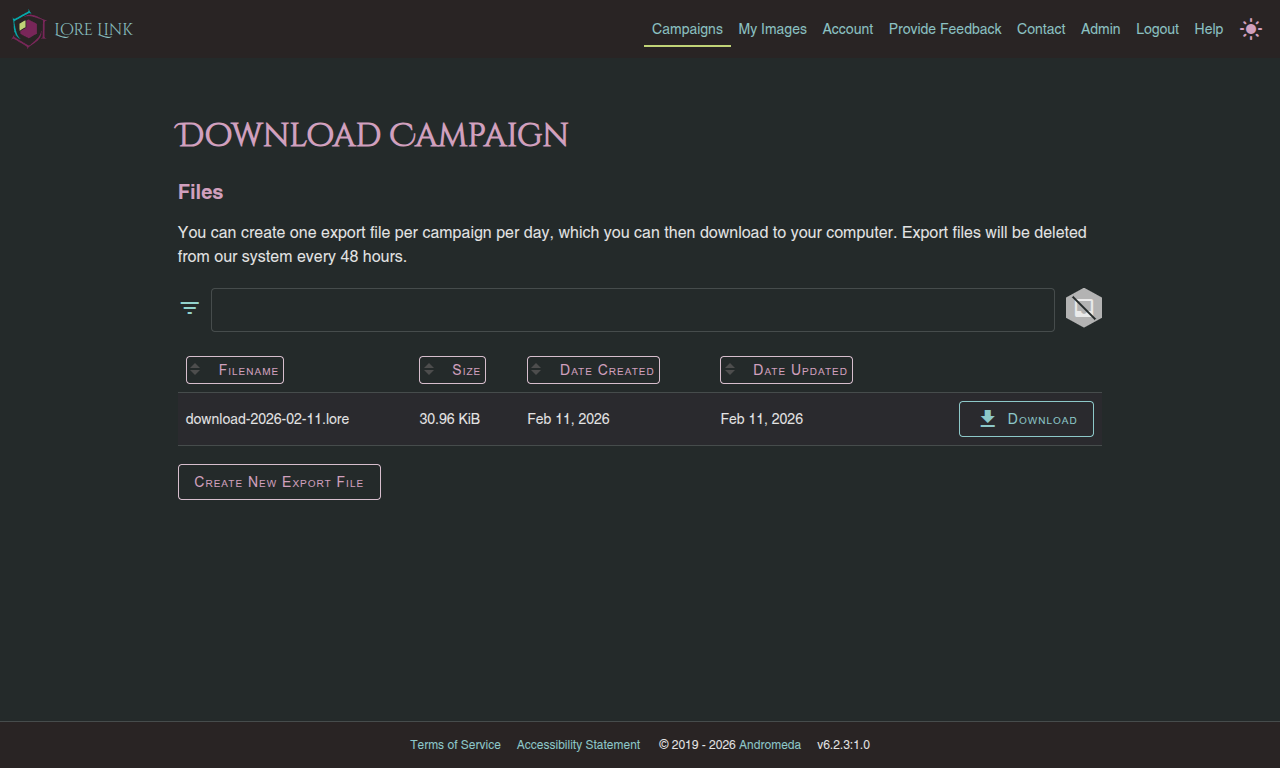
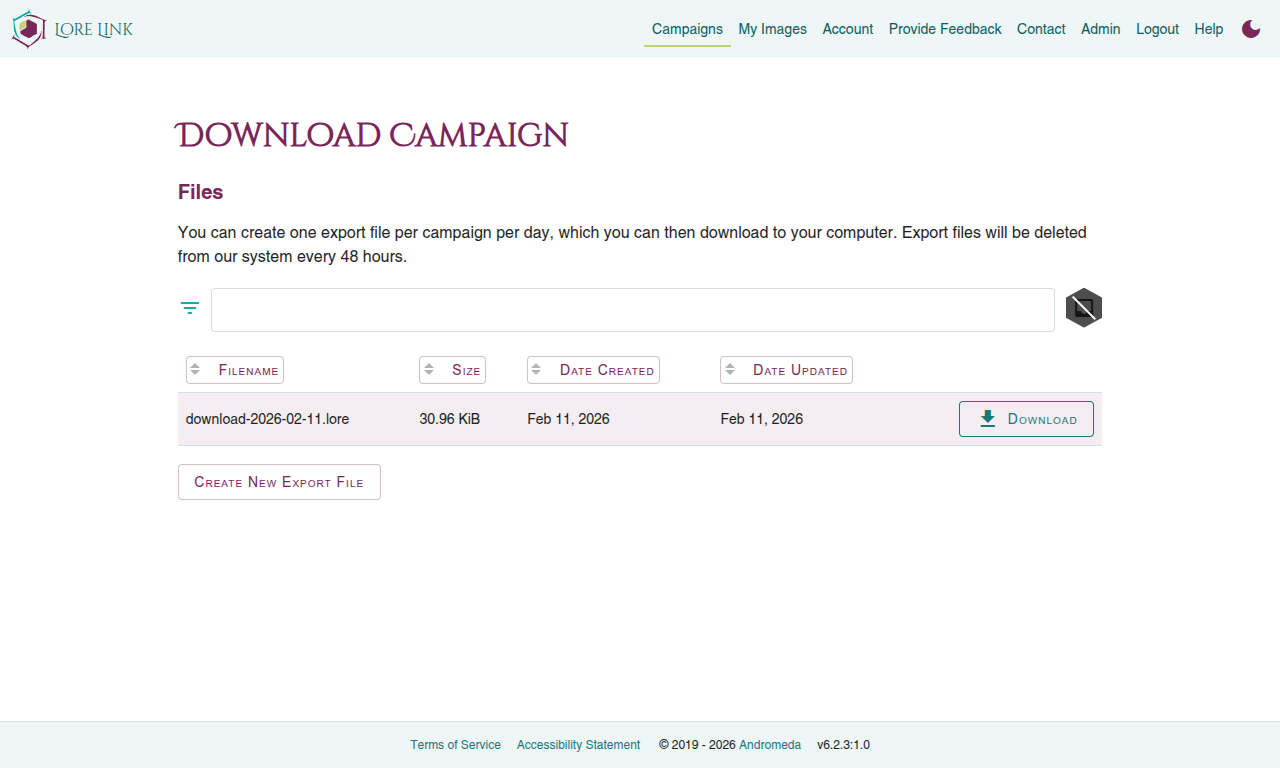
Now on the Download Campaign screen you’ll need to Create a New Export file if one does not yet exist.
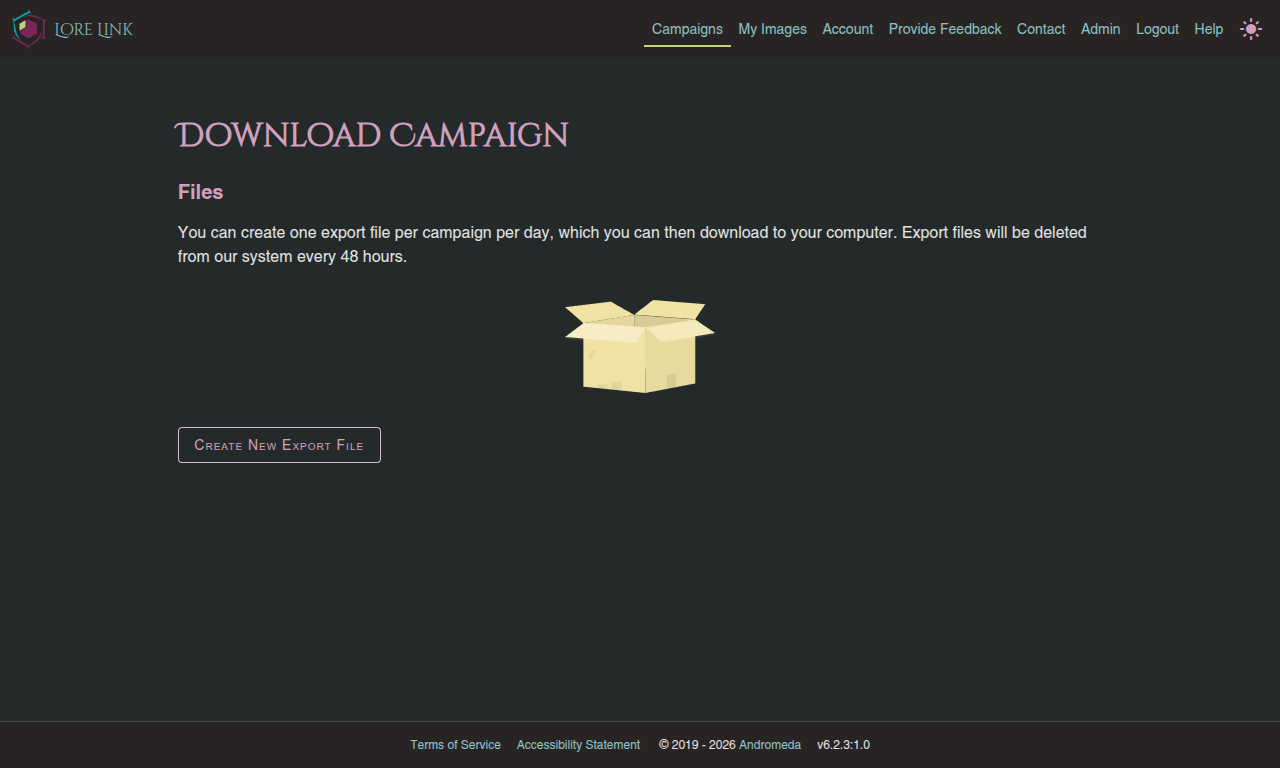
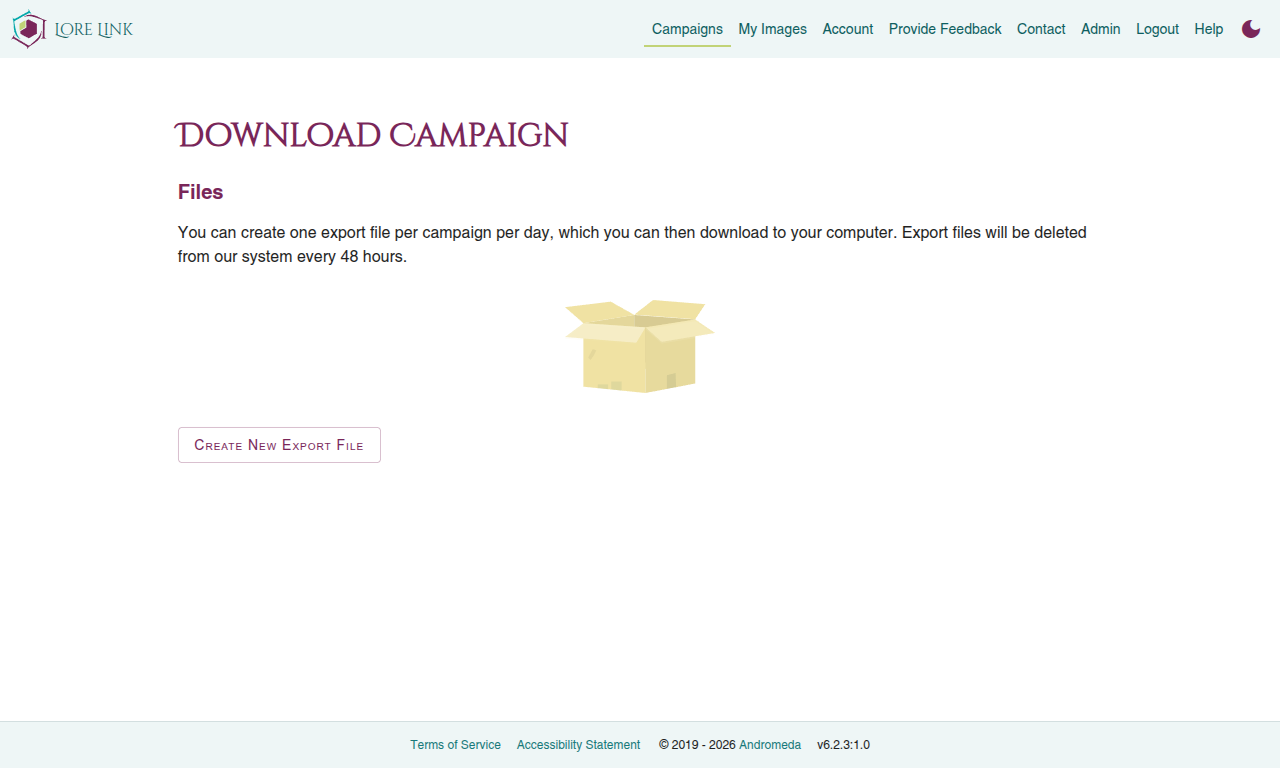
Once the export is created, you can download the file as many times as you like. This file will stick around for 48 hours, after which time we clean up after ourselves.
The .lore file you download is in JSON format and contains all of the data you’ve entered in your campaign, including Players, Sessions, Timelines, Tags, Encounters, Lore, and Links between Lore. Note that while it includes the URLs to all of your images as hosted within Lore Link, to actually download your images you will (for now) need to visit My Images within the app and download the images by hand.
Do you have any questions? Do you want a different export format? Please let us know.