

Lore Link has partnered with dddice to add a Dice Roller to Lore Link. Now you can access your cool custom dice and custom rooms inside of Lore Link.
To start, you will need to get an API Key from your dddice account.
- Go to dddice.com and sign into your account. If you don’t have an account, you’ll need to create one for this to work.
- Create a room if you do not have one already.
- This is located under user account (access by clicking on your name in the upper right corner of the screen). From there, click on My Rooms, and if no rooms are shown, click Create a New Room.
- Be sure to give your a name to make identifying it later easier. You can do this by access the room settings (the gear) in the upper right corner.
- Back in your User Account, Click On Developers, then click on Create API Key.
- This will copy the API Key to your clipboard. You will like want to store this someplace safe. It will be saved to your account, but if you ever reset your Lore Link Dice Roller Configuration, you will have to re-create the key to get it back.
Now that you have an API Key, you can connect Lore Link to your dddice account and start rolling! To Start go to the Dice Roller in Lore Link and locate the configuration section.
- Copy your API Key from dddice into the API Key Field
- If you know your room code (the last part of the url you use to access the room) you can enter it in the Room Code Field and press Connect to be taken directly to your room.
- Otherwise, simply press Connect. A message will appear telling you that the room list has been loaded, and you can now double click in the Room Code Field to get a drop down list of all of your available rooms!
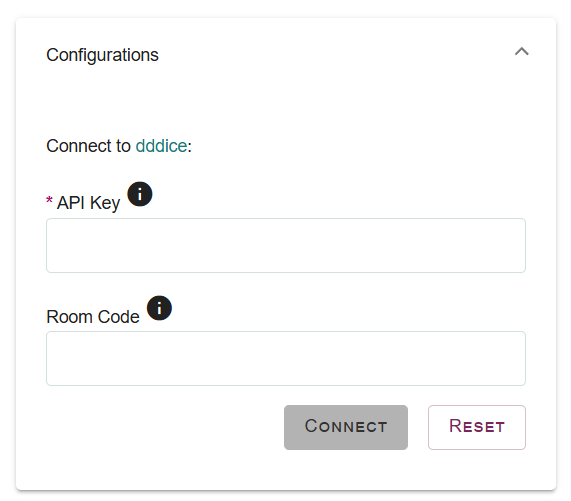
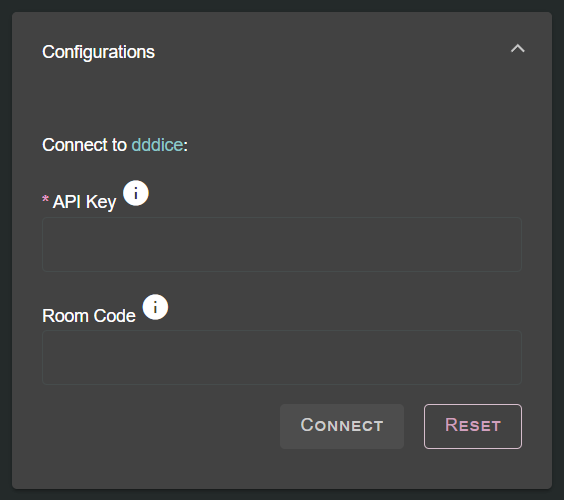
If you ever wish to connect to with a different API Key you will need to reset the configuration box using the Reset button. Otherwise, the system will copy in your existing API Key saved to your user account automatically.
Now that you are connected to your room, you can use the Dice Box Drop Down to select which dice you want to use and then simply click on the dice you wish to roll. If you wish to roll multiple dice, simply click on the additional dice you wish to add to this roll. If multiple people are room in the same room, you’ll see their dice rolled from inside Lore Link!
Future Features:
- Log in directly from Lore Link, rather than generating API Key. This will allow you to access room settings and other dddice features directly.
- Being able to roll with advantage or disadvantage
- Being able to identify which player has rolled dice in room.
- Increase ease in sharing your dice room with your players.
- Being able to roll from anywhere in Lore Link.
- Being able to setup custom die combinations.
Have a suggestion on how you want the dice roller integrated into Lore LInk? Let us know!