
We at Lore Link will admit when we are wrong. When our QA Lead pointed out the fact that many of our section titles just didn’t make sense, we didn’t ignore them. We asked them to help us fix it. And fix it they did! So now when you open up Lore Link, you may notice that things have shuffled around and renamed.
First of all, the big name change. Our category called Players is now called Characters to reflect the fact that the data stored there refers not to the people playing the game, but the Characters they are playing in the game.
Next, the Lore Category called Characters has been renamed NPCs to clarify that they these are thing that are not under the control of the players. And lastly, the awkwardly named Player Users have been simplified to Players. These are used during Player Sharing to give access to your campaign to your players.
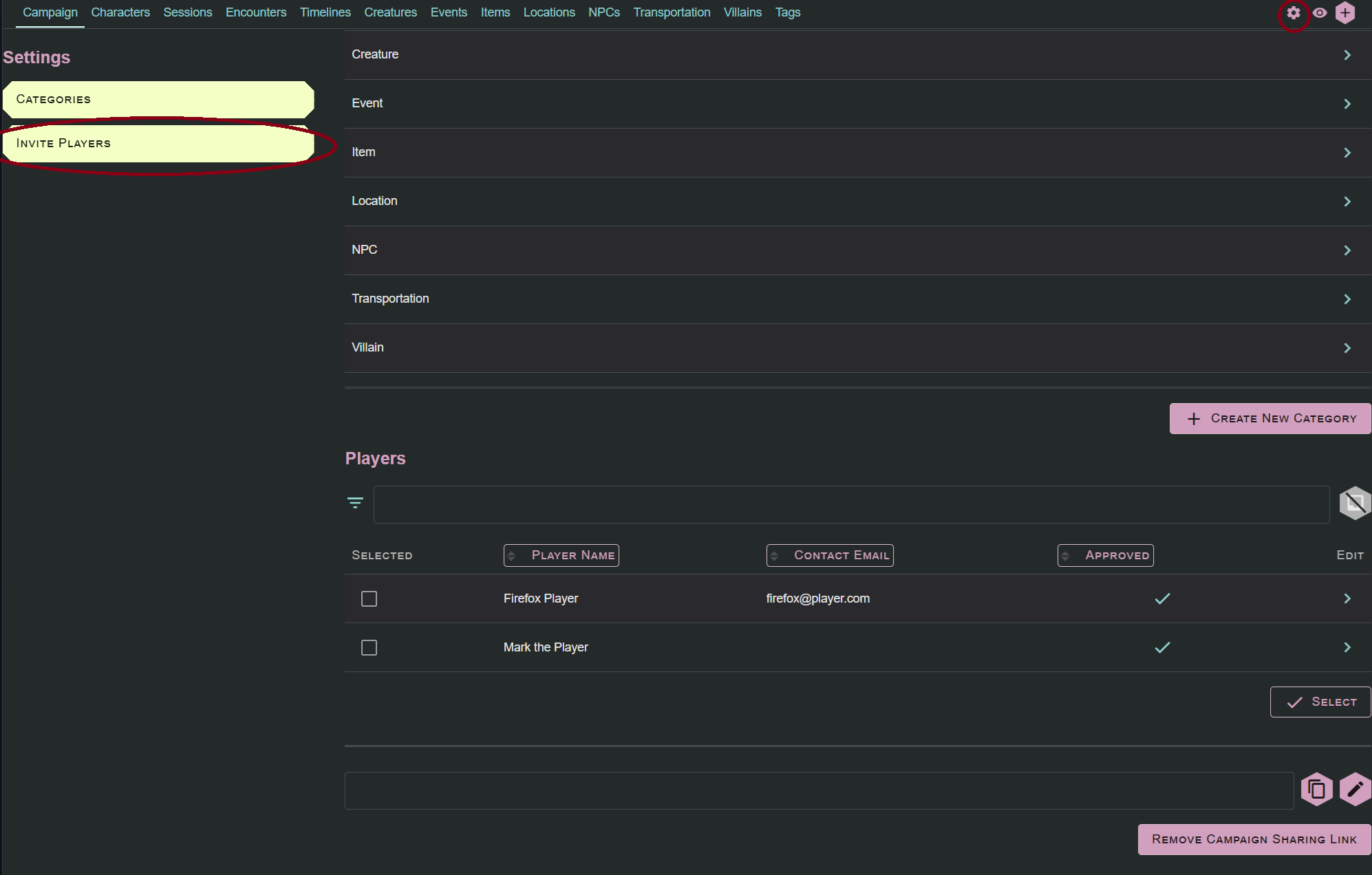
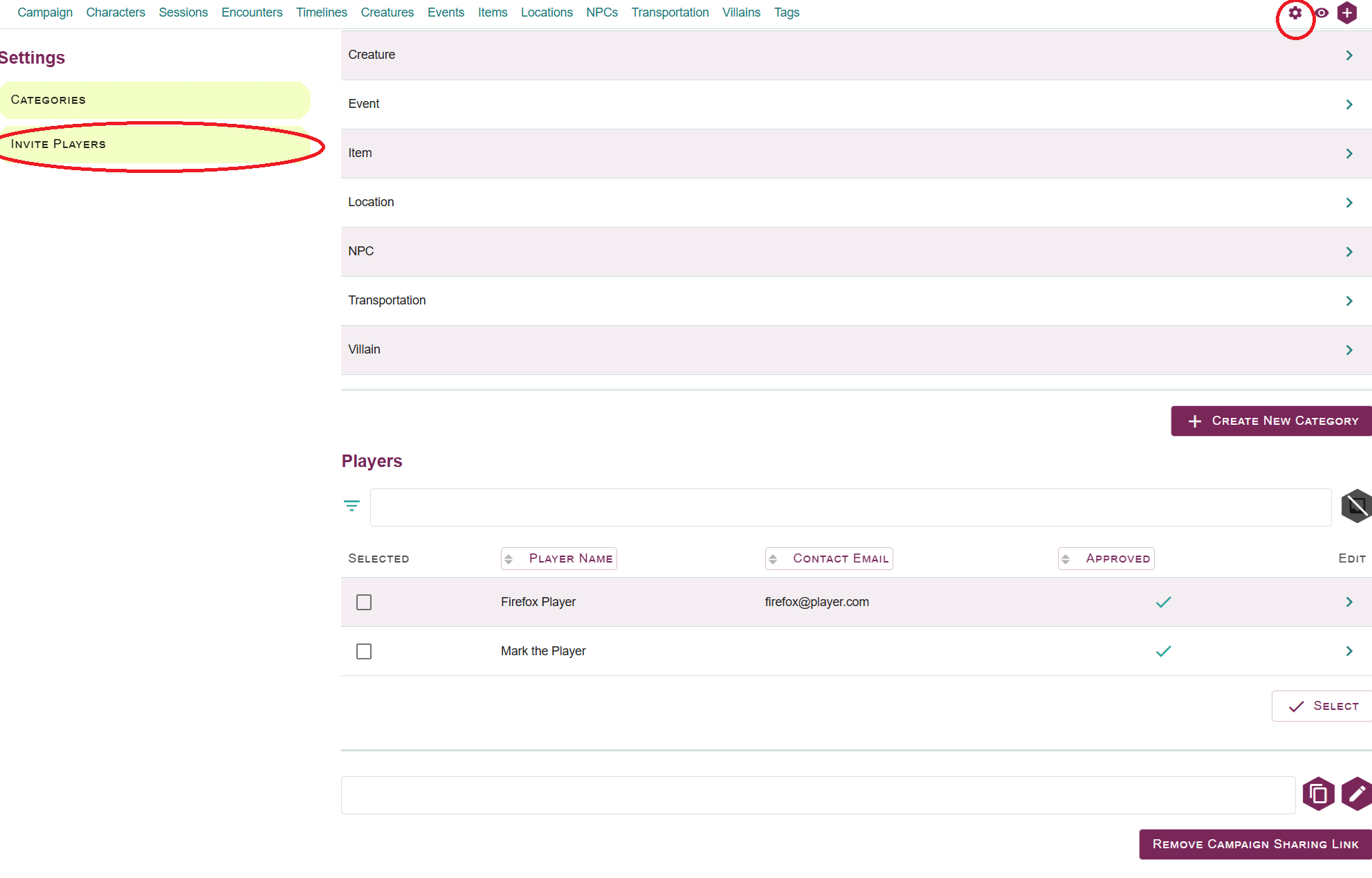
To keep things clean, Player Sharing has now been moved to the campaign settings area (found under the gear icon in the upper right corner of the application). It is just below the Category Customization section. Please remember that Category Customization and Player Sharing are both features only available to Lore Link users at the Galaxy tier and above.
No data was lost during this move. If you have an ongoing campaign and feel something is missing from your campaign or can’t find something you previously created, let us know via either our Discord or our feedback form at the top of the application.
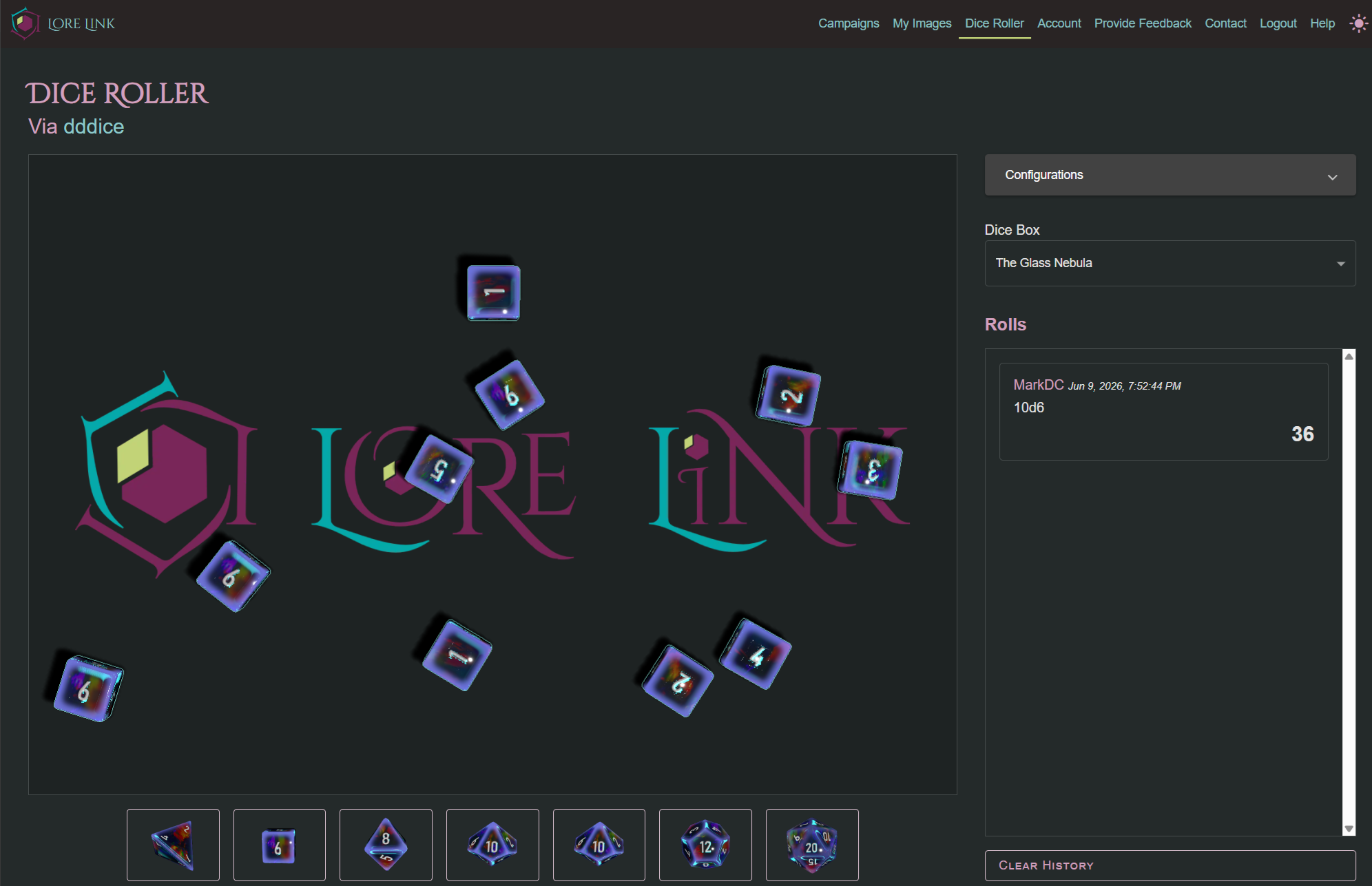
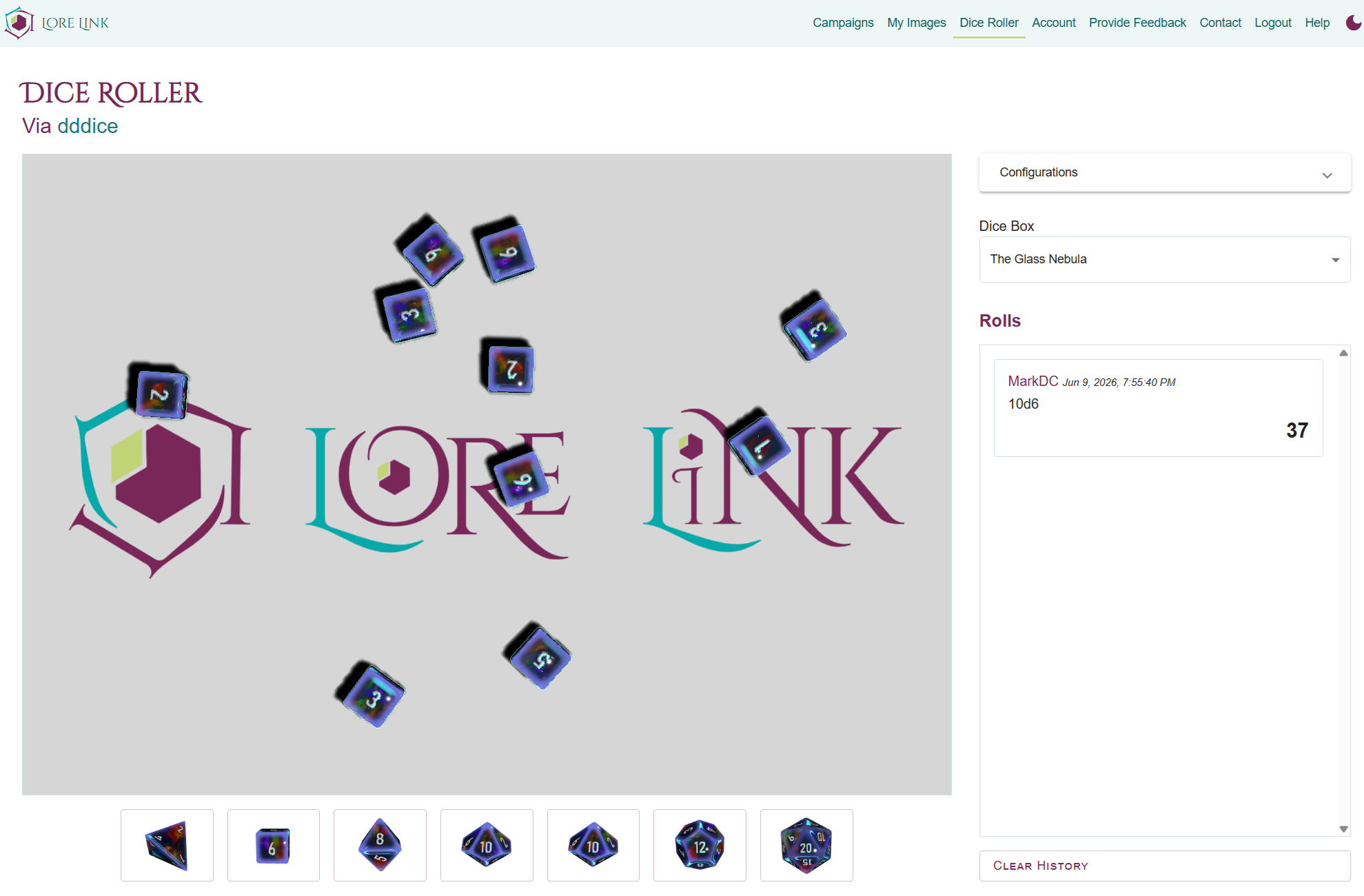
Lastly, we have added a free feature which has been on our roadmap for a while: Dice Roller. Located right at the top of the page, we have partnered with dddice to give you amazing customizable dice and sharable dice roller rooms. For more information on how the Dice Roller works and how to set it up, check out the help guide here!