

Player Sharing
Player Sharing in Lore Link has a two-fold purpose. First, there will be times you need to share information with your players. You can share as much information as you wish, and you can share more details later. For example, say a member of your party finds a sword that looks awesome, but takes -5 off their Charisma. You can share just the sword with them, then, when they finally figure out the modifier, you can share the rest of the info. And you can also you share completed Sessions with your players who missed a game to bring them up speed with what exactly the party got up to while they were away.
Sharing is always defaulted to off, so never fear your information is going to be accidentally shared with a player. And when you choose to share, you can choose to either share only that it exists (the players may have heard of the villain, or the town, or the McGuffin, but may not have any further details) or Fully Shared, with exposes all fields on that Lore. However, you can still hide and share individual custom fields and notes, so even though they think they know everything about the town’s Mayor, you can still track their werewolf stats as well as who their next victim will be.
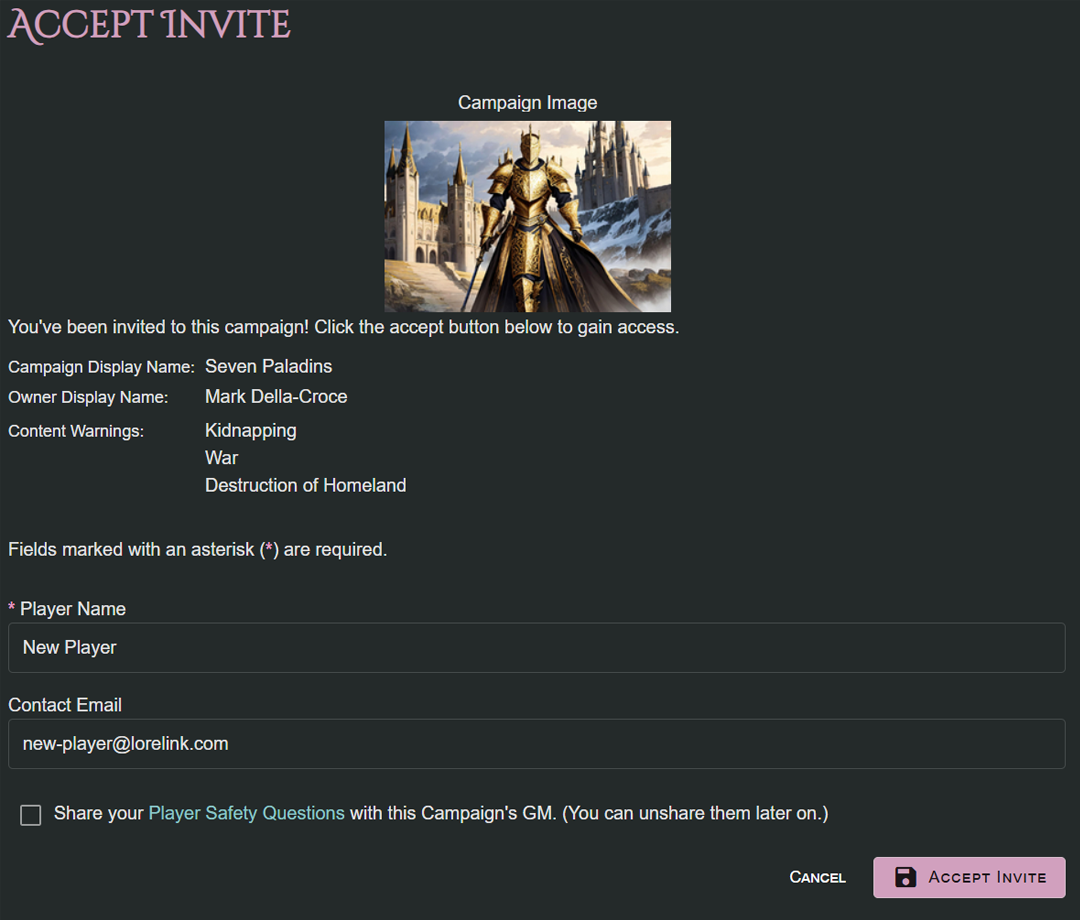
Sharing also contains Player Safety questions that players can answer, covering situations from Insects to Body Horror. With this, combined with the ability to leave feedback, players can let you know about their limits, and everyone can have a good game.
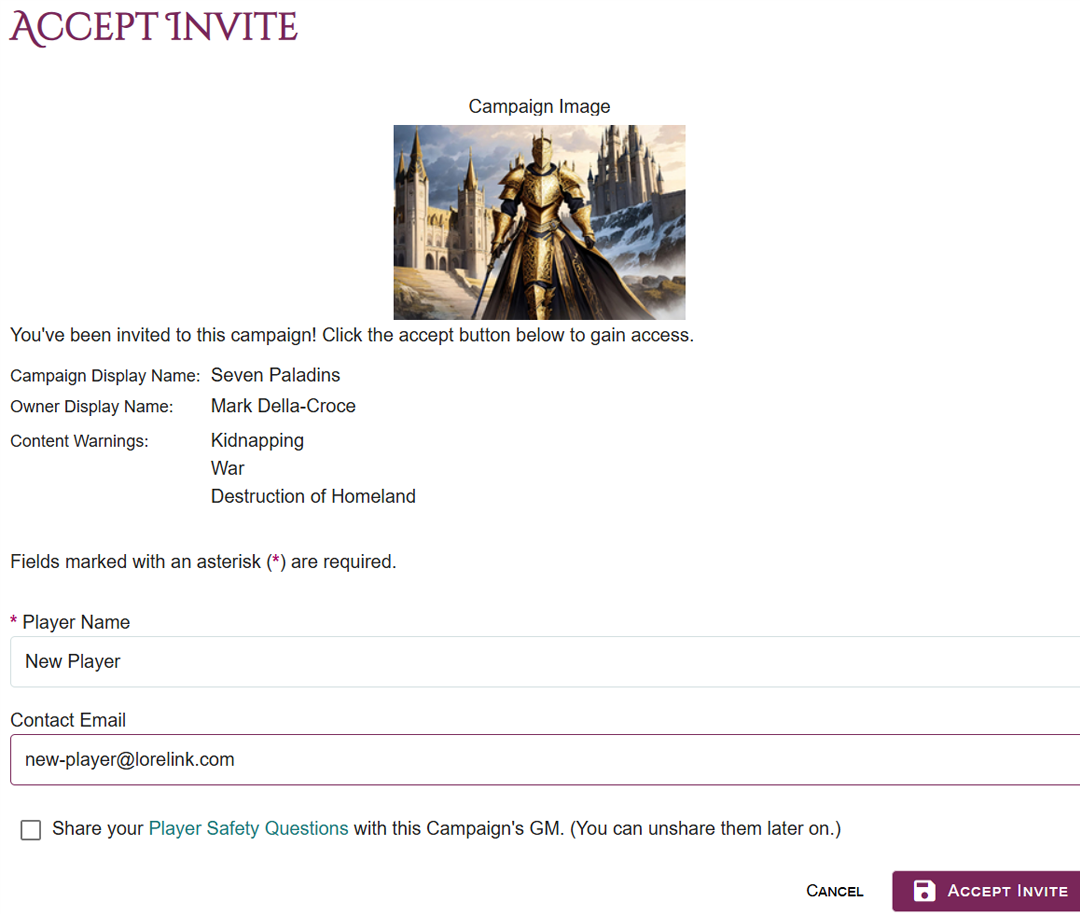
In order to share information with players you first need to invite them to collaborate in the campaign.